
FOR HOUSING PROVIDERS
Tenant Screening
Rent Guarantee
Rent Collection
eLease
Create a lease for your tenancy, add terms and get it signed online for free
Pre-Screen
More products
Rent Guarantee
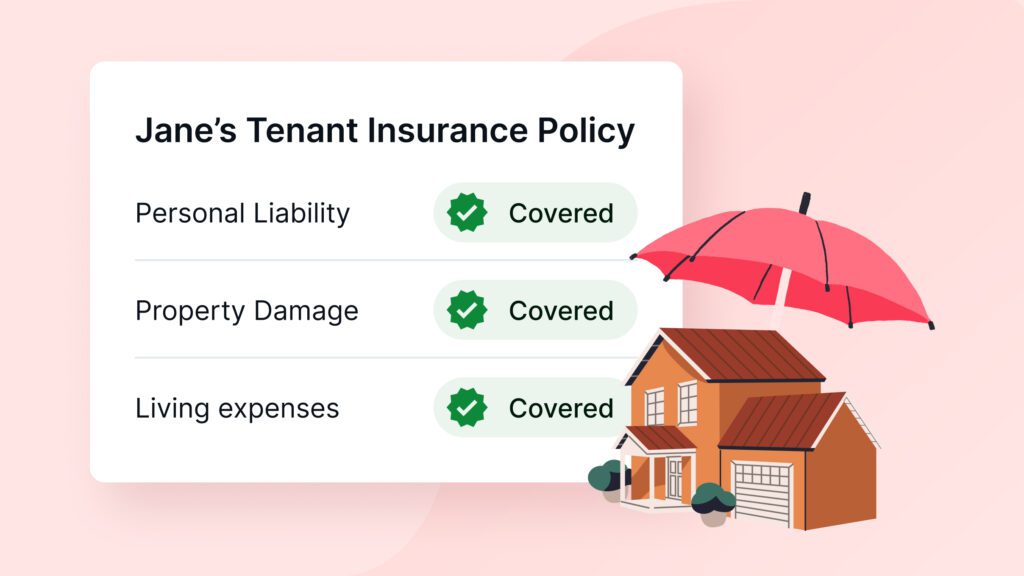
Protect against unpaid rent, damage, and eviction costs
Rent Collection
Collect rent automatically via Interac or PAD
eLease
Create a lease for your tenancy, add terms and get it signed online for free
Pre-Screen
Pre-screen applicants before scheduling viewings
Solutions for large portfolios
Screen tenants, protect rent, and manage your portfolio
Tenant Screening
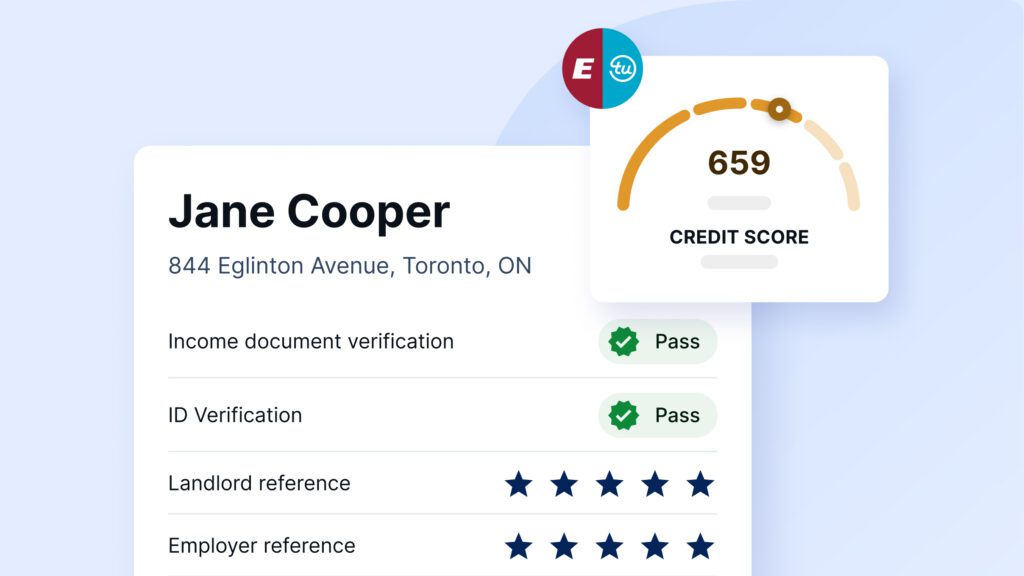
Credit, income, background, and eviction checks
Tenant Guarantor
Approve more renters and fill vacancies faster
eLease
Create, sign, and organize leases across properties with less admin
Solutions for agents
Screen tenants and protect your clients’ rental income
Tenant Screening
Credit, income, background, and eviction checks
Rent Guarantee
Protect clients against unpaid rent and damage
eLease
Create professional leases quickly with province ready forms and free e-signing
featured

resource center
SingleKey Magazine
Explore rental market insights, tips, and guides
Lease templates
Download free lease templates for your province
Rental application forms
Download free rental application forms
Rent-to-income calculator
Check if an applicant’s income can cover rent
Provincial guides
Understand rental laws in your province
Products
Landlords
Property managers
Realtors
Renters
Resources
EN-CA
Products
FOR HOUSING PROVIDERS
Tenant Screening
Credit, income, background, and eviction checks
Rent Guarantee
Protect against unpaid rent, damage, and eviction costs
Rent Collection
Collect rent automatically via Interac or PAD
eLease
Create a lease for your tenancy, add terms and get it signed online for free
Pre-Screen
Pre-screen applicants before scheduling viewings
Tenant Screening
Credit, income, background, and eviction checks
Rent Guarantee
Protect against unpaid rent, damage, and eviction costs
Rent Collection
Collect rent automatically via Interac or PAD
eLease
Create a lease for your tenancy, add terms and get it signed online for free
Pre-Screen
Pre-screen applicants before scheduling viewings
Landlords
Tenant Screening
Credit, income, background, and eviction checks
Rent Guarantee
Protect against unpaid rent, damage, and eviction costs
Rent Collection
Collect rent automatically via Interac or PAD
eLease
Create a lease for your tenancy, add terms and get it signed online for free
Pre-Screen
Pre-screen applicants before scheduling viewings
Tenant Screening
Credit, income, background, and eviction checks
Rent Guarantee
Protect against unpaid rent, damage, and eviction costs
Rent Collection
Collect rent automatically via Interac or PAD
eLease
Create a lease for your tenancy, add terms and get it signed online for free
Pre-Screen
Pre-screen applicants before scheduling viewings
Property managers
Solutions for large portfolios
Screen tenants, protect rent, and manage your portfolio
Tenant Screening
Credit, income, background, and eviction checks
Tenant Guarantor
Approve more renters and fill vacancies faster
eLease
Create, sign, and organize leases across properties with less admin
Solutions for large portfolios
Screen tenants, protect rent, and manage your portfolio
Tenant Screening
Credit, income, background, and eviction checks
Tenant Guarantor
Approve more renters and fill vacancies faster
eLease
Create, sign, and organize leases across properties with less admin
Realtors
Solutions for agents
Screen tenants and protect your clients’ rental income
Tenant Screening
Credit, income, background, and eviction checks
Rent Guarantee
Protect clients against unpaid rent and damage
eLease
Create professional leases quickly with province ready forms and free e-signing
Solutions for agents
Screen tenants and protect your clients’ rental income
Tenant Screening
Credit, income, background, and eviction checks
Rent Guarantee
Protect clients against unpaid rent and damage
eLease
Create professional leases quickly with province ready forms and free e-signing
Renters
Resources
resource center
2026 Rental Intelligence Report
A look at Canada’s average renter profile, affordability, and risk trends based SingleKey’s renter data.
SingleKey Magazine
Explore rental market insights, tips, and guides
Lease templates
Download free lease templates for your province
Rental application forms
Download free rental application forms
Rent-to-income calculator
Check if an applicant’s income can cover rent
Provincial guides
Understand rental laws in your province
resource center
2026 Rental Intelligence Report
A look at Canada’s average renter profile, affordability, and risk trends based SingleKey’s renter data.
SingleKey Magazine
Explore rental market insights, tips, and guides
Lease templates
Download free lease templates for your province
Rental application forms
Download free rental application forms
Rent-to-income calculator
Check if an applicant’s income can cover rent
Provincial guides
Understand rental laws in your province


