
Tenant Screening
Credit, income, background, and eviction checks
Features
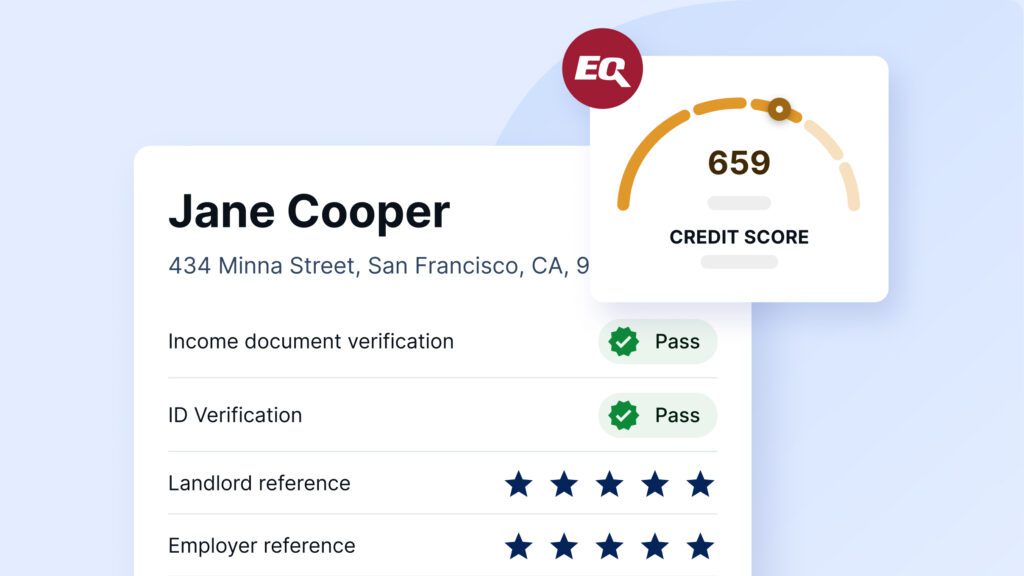
Equifax® credit report
Full credit check by Equifax®, including employment and income information
Automated reference checks
Landlord and employer reference checks
Income document analysis
AI-powered tool that scans your applicant’s income documents for tampering or fraud
Rent Guarantee
Protect against unpaid rent, damage, and eviction costs
Program testimonials
See what customers say about Rent Guarantee
Solutions for large portfolios
Screen tenants, protect rent, and manage your portfolio
Tenant Screening
Credit, income, background, and eviction checks
Tenant Guarantor
Approve more renters and fill vacancies faster
Solutions for agents
Screen tenants and protect your clients’ rental income
Tenant Screening
Credit, income, background, and eviction checks
Rent Guarantee
Protect clients against unpaid rent and damage
resource center
Customer Hub
Tenant Screening
Rent Guarantee
Property managers
Realtors
Resources
EN-US
Tenant Screening
features
Equifax® credit report
Full credit check by Equifax®, including employment and income information
Automated reference checks
Landlord and employer reference checks
Income document analysis
AI-powered tool that scans your applicant’s income documents for tampering or fraud
Identity verification
Verify the legitimacy of your applicant’s ID
Pre-Screen
Qualify tenant inquiries before viewings
Equifax® credit report
Full credit check by Equifax®, including employment and income information
Automated reference checks
Landlord and employer reference checks
Income document analysis
AI-powered tool that scans your applicant’s income documents for tampering or fraud
Identity verification
Verify the legitimacy of your applicant’s ID
Pre-Screen
Qualify tenant inquiries before viewings
Rent Guarantee
Rent Guarantee
Protect against unpaid rent, damage, and eviction costs
Program testimonials
See what customers say about Rent Guarantee


